Product catalog
Same item. One name.
Every supplier writes it differently, and Snag files each line under one product so the prices line up.
Invite only. 30 NYC restaurants.
How it works
From invoice line to product
Lines come in
Each supplier prints the same item its own way, with its own abbreviations and pack sizes.
Snag finds the product
It checks matches you've made before, then your products, then Snag's catalog of standard names and known spellings.
You confirm the rest
Sure matches link on their own. The others wait for a one-tap confirm, and Snag remembers your choice.
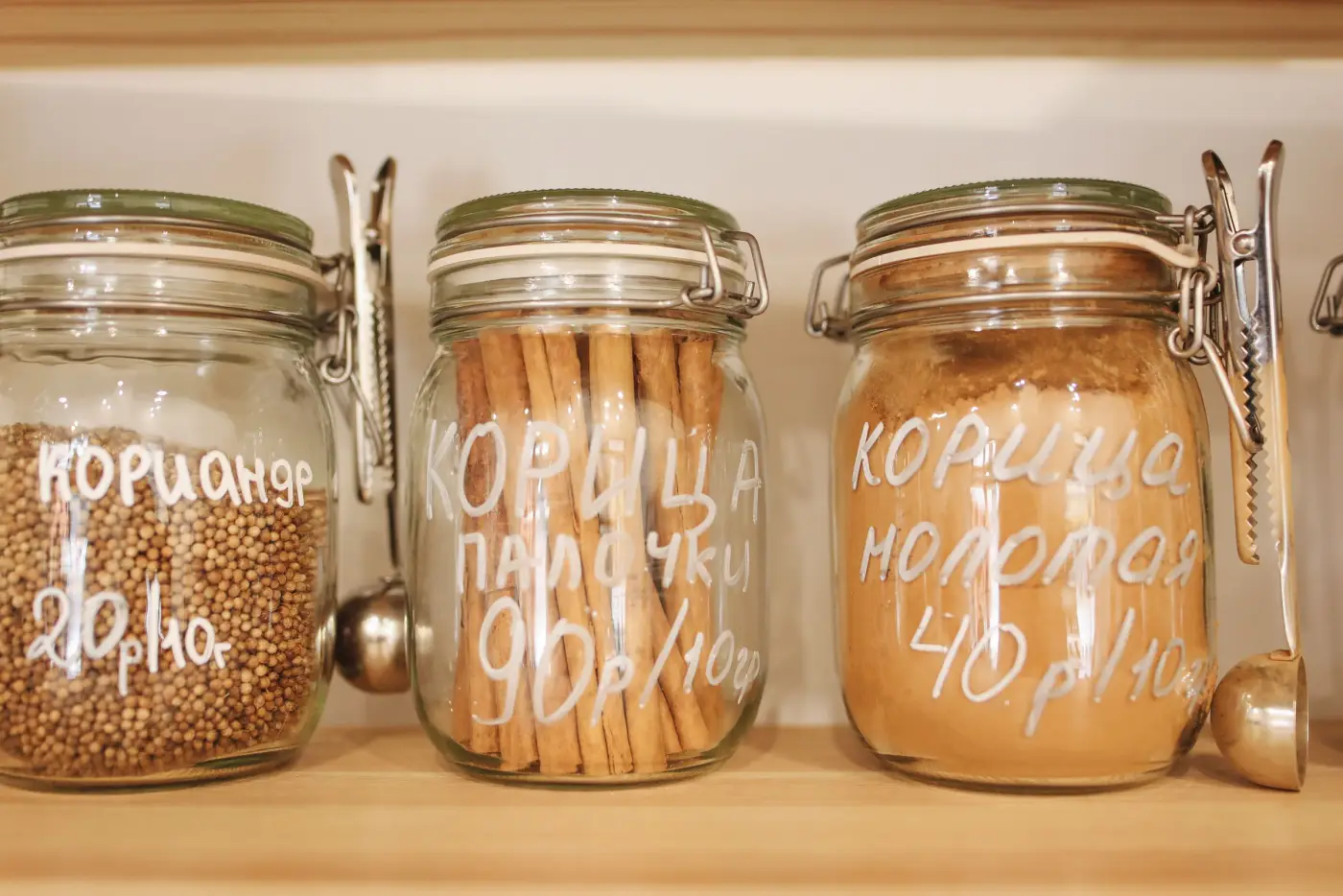
Every spelling, one product
Link the way each supplier prints an item to the same product once. After that, every supplier's prices for it build up in one place.
Product
Heavy Cream
- Baldor invoice saysCREAM, HEAVY 1 QT$4.89/qt
- Chefswarehouse invoice saysHVY WHIP CRM QT$4.35/qt
Remembered from your past invoices
Pack sizes stay separate
Snag keeps a price for each supplier and each unit you buy in. When the invoice gives the case size, you see the price per pound too.
- caseBaldor · 25 lb case$28.50/case$1.14/lb
- lbBaldor · loose$1.35/lb
Each unit keeps its own price.
Reports that add up
Every product has a category, so your reports can show where the money went, by category and by supplier.
Kept clean for you
Remembers your fixes
Fix a match once, and Snag uses it the next time that supplier sends the same item.
New items, reviewed
Items that aren't in the catalog yet are reviewed by the Snag team, who set their category.
Help from other restaurants
When other restaurants have linked a supplier's item the same way, Snag suggests that match. You still confirm it.
Invoices stay as printed
Snag's product names sit alongside your invoices. The original text never changes.
Common questions
Something else? support@snag.gold