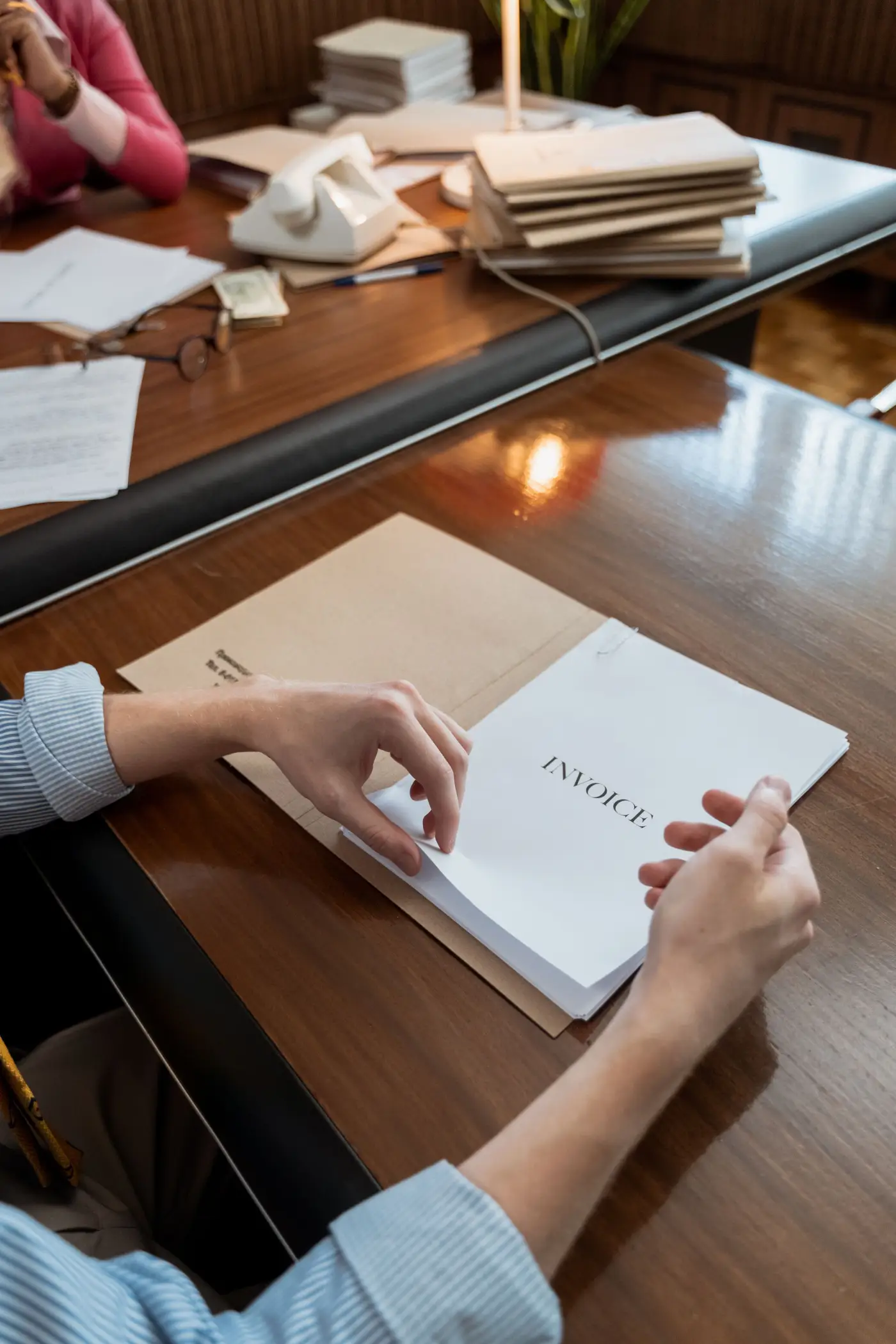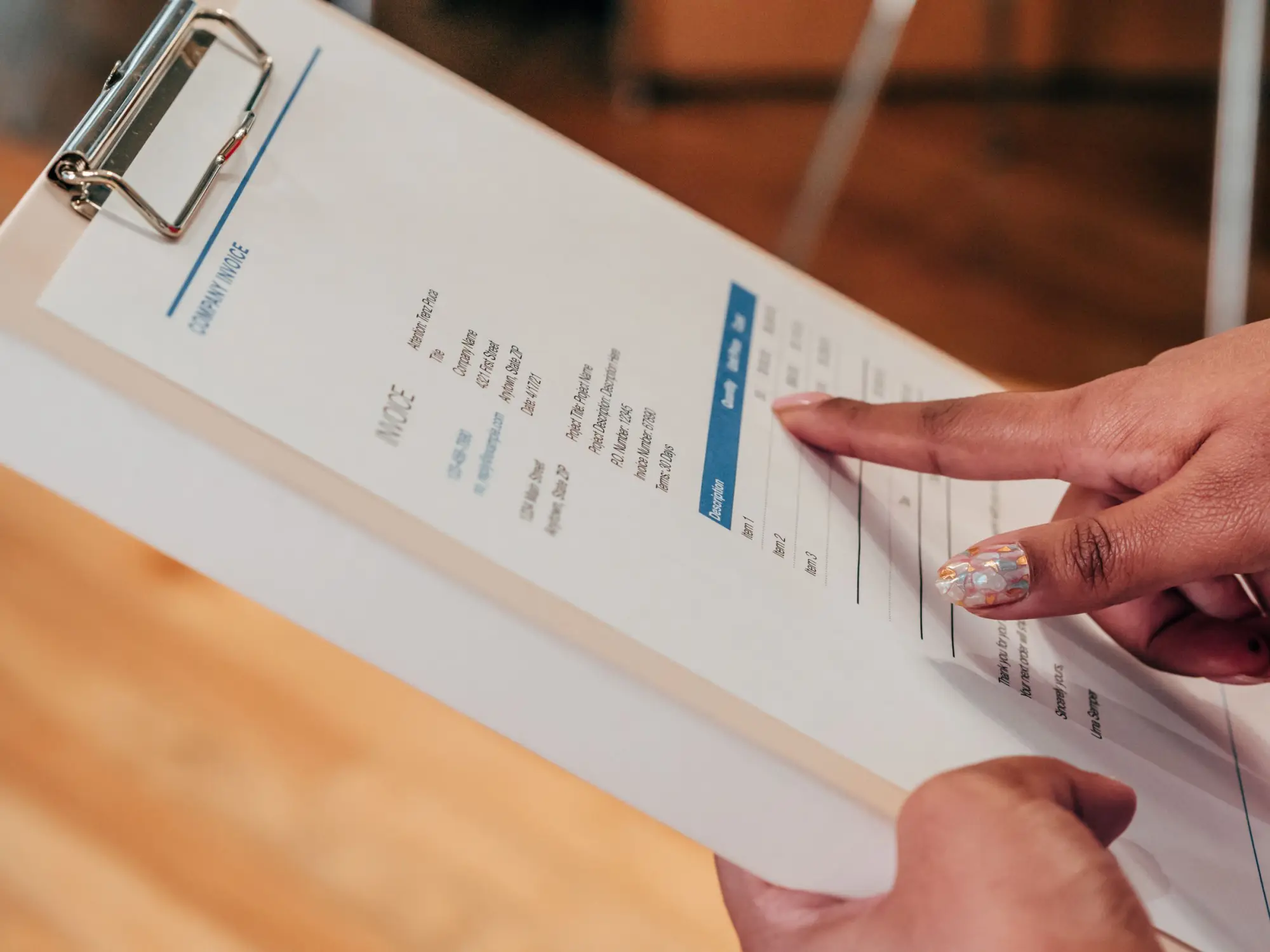
Invoice processing
Every line, read for you.
Snap a photo or upload the PDF, and Snag reads every line and checks the math.
Invite only. 30 NYC restaurants.
How it works
From paper to prices
Works with invoices from any supplier.
Send it in
Take a photo of the paper invoice or upload the PDF, up to 20 files at a time.
Snag reads it
The supplier, invoice number and dates, then every line: item, quantity, unit and price.
You approve it
Anything that doesn't add up is highlighted, so you can fix it before you approve.

Photos and PDFs
Snap the invoice on your phone or upload the PDF. On every line, Snag checks that quantity times price matches the amount, and that the lines and tax add up to the total.
Suppliers email Snag
On Pro and Concierge, your restaurant gets its own Snag email address. Suppliers send invoices there, and each one waits in Needs Review with every line read.
From: Baldor Billing
To: your Snag email address
Invoice 4471208 attached
INV-4471208.pdf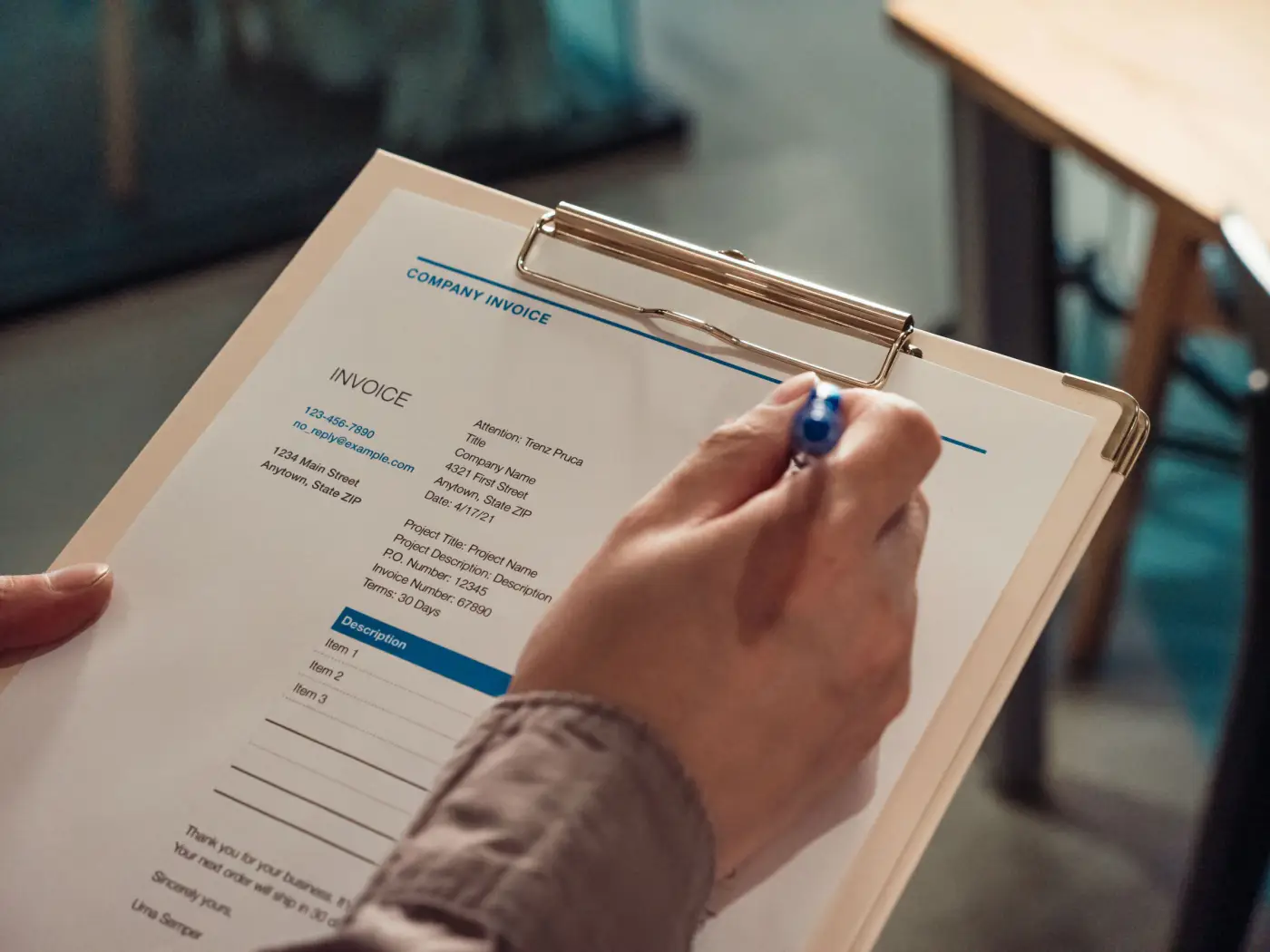
Straight into QuickBooks
On Pro and Concierge, approved invoices go to QuickBooks Online as bills, one at a time or automatically. Each line is coded to the account you choose for its category.
Bill 4471208 · due Sep 26
Synced to QuickBooks
Less to do by hand
Duplicates caught
Add an invoice twice and Snag flags it. A duplicate never counts toward your prices.
Text it in
On Pro and Concierge, text a photo of an invoice to Snag.
Tuned for your suppliers
Snag knows the invoice layouts of suppliers like Baldor and Sysco.
Remembers your items
Link a line to a product once, and Snag fills it in the next time that supplier sends it.
Common questions
Something else? support@snag.gold