The Complete Guide to Restaurant Invoice Management
Snag TeamPublished 10 min read
Every restaurant receives invoices. Most restaurants hate dealing with them. The stack of paper on the office desk, the shoebox of receipts for the accountant, the frantic search for a delivery slip when a supplier disputes a charge: invoice management is one of those operational tasks that everyone knows matters but few operators handle well.
This guide covers everything: why the traditional approach breaks down, what a modern invoice workflow looks like, and how to get there without overhauling your entire operation.
Why manual invoice entry fails
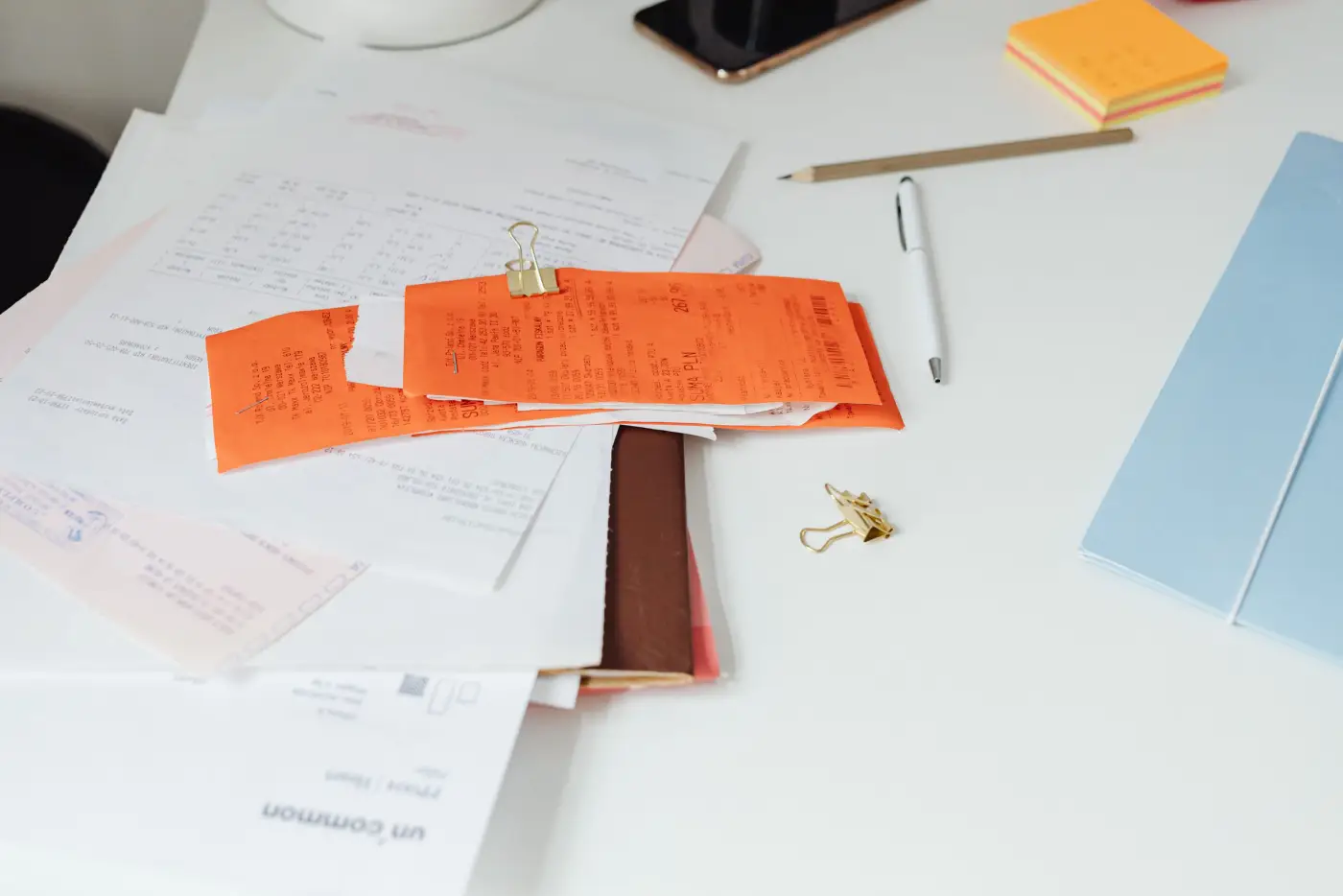
The typical restaurant invoice workflow looks like this: a delivery arrives, the driver hands over a paper invoice (or leaves it on top of the boxes), someone stacks it on a clip or in a folder, and at some point, days or weeks later, someone types the numbers into a spreadsheet or accounting system.
This process fails in predictable ways:
- Invoices get lost. Paper gets wet, stained, crumpled, or buried under other paper. A single missing invoice means you cannot reconcile that delivery, ever.
- Data entry errors are inevitable. Transposing $3.45 as $3.54, missing a line item, entering the wrong unit of measure: studies show manual data entry has a 2-4% error rate. On a $2,000 invoice, that is $40-$80 in potential discrepancies.
- It takes too long. Manually entering a 30-line invoice takes 8-12 minutes. If you receive 15-20 invoices per week, that is 2-4 hours of pure data entry, time that the owner, manager, or bookkeeper could spend on something productive.
- The data is stale by the time you use it. If invoices are only entered monthly for accounting, you have zero real-time visibility into what you are spending or how prices are moving.
Digital vs. paper: the state of restaurant invoices
Unlike most industries, restaurants still operate in a heavily paper-based invoice environment. Your broadline distributor (Sysco, US Foods, Restaurant Depot) might offer online order history, but your local produce vendor, your butcher, your seafood guy, and your specialty importers are almost certainly handing you paper. Even suppliers who email invoices typically send a PDF that is essentially a scanned image, not structured data you can import anywhere.
This means any invoice management system for restaurants must handle both paper and digital inputs. You cannot mandate that all your suppliers switch to electronic invoicing (they will not). You need a system that meets your invoices where they are: paper, PDF, photo, or email attachment.
What to track on every invoice
Not every data point on an invoice matters equally. Here are the fields that restaurant operators should capture and track:
- Supplier name and invoice number, for reconciliation and dispute resolution
- Invoice date and delivery date. These are often different, and the gap matters for freshness tracking
- Line items with product name, quantity, unit of measure, and unit price. This is the core data for cost tracking
- Total amount and any additional charges (delivery fees, fuel surcharges, credit terms)
- Payment terms and due dates, critical for cash flow management
The unit of measure trap
One of the most common sources of confusion in restaurant invoices is inconsistent units of measure. Your chicken supplier might bill by the pound, your produce vendor by the case, and your dairy supplier by the each. Worse, the same supplier might change units between invoices, billing romaine by the case one week and by the head the next. Without normalizing units, you cannot compare prices over time or across suppliers.
The 5 most common invoice errors in restaurants
These are the errors that come up most often:
- Price creep without notification. Suppliers raise prices by small amounts ($0.05-$0.15/unit) without sending a price update sheet. Over months, these add up to significant increases that go unnoticed.
- Quantity mismatches. The invoice says 5 cases but you only received 4. If you do not check at delivery, you pay for product you never got.
- Duplicate invoices. The same delivery gets invoiced twice: once as a paper slip and once as an emailed PDF. Without a system to catch duplicates, you pay double.
- Wrong pricing tier. Many distributors offer tiered pricing based on volume. If your order drops below a threshold, you might get bumped to a higher price tier without realizing it.
- Unauthorized substitutions at higher prices. You ordered 80/20 ground beef at $4.20/lb but received 85/15 at $4.65/lb. The invoice reflects what was shipped, not what was ordered.
What automation actually changes
Invoice automation for restaurants is not about replacing your accountant or eliminating human judgment. It is about eliminating the manual, error-prone steps so that humans can focus on the decisions that matter: which supplier to use, when to negotiate, what to put on the menu.
Here is what changes when you move from manual to automated invoice processing:
- Capture time drops from 8-12 minutes per invoice to under 30 seconds. Take a photo, forward an email, or upload a file, and AI extracts every line item automatically.
- Data is available immediately, not days or weeks later. You can see what you spent today, this week, this month, in real time.
- Price tracking becomes automatic. Every invoice updates your price history, so trends and anomalies surface without you having to build spreadsheets.
- Supplier comparison is built in. When you have structured data from all your invoices, comparing pricing across suppliers takes seconds instead of hours.
- Errors get caught at the point of entry. Automated systems flag unusual prices, quantity mismatches, and potential duplicates before they become problems.
Getting started: a practical migration plan
You do not need to overhaul your entire operation in one day. Here is a phased approach that works for most restaurants:
Week 1: Capture everything
Start by capturing every invoice that comes in, regardless of format. Take a photo of paper invoices with your phone. Forward emailed invoices to your Snag inbox. Upload any PDFs you receive. The goal is to build the habit of capturing first. You can organize later.
Week 2-3: Review and categorize
Once you have two to three weeks of invoices in the system, review the extracted data. Correct any supplier names or product mappings that need cleanup. This is also when you will start to see your actual spending patterns: which suppliers you use most, which products cost the most, and where your money really goes.
Week 4+: Act on the data
With a month of data, you can start making informed decisions. Identify your highest-cost items and check whether you are getting competitive pricing. Spot any price increases that slipped through. Compare costs across suppliers for overlapping products. This is where the ROI of invoice automation starts to show up on your P&L.
The best time to start tracking your invoices was a year ago. The second best time is today. Every invoice you do not capture is data you will never have, and savings you will never see.